
How it works
From order to “we’re coming!”
Four simple steps. You choose and pay online, we make it with you, and your guests reply from one link. No app for anyone.
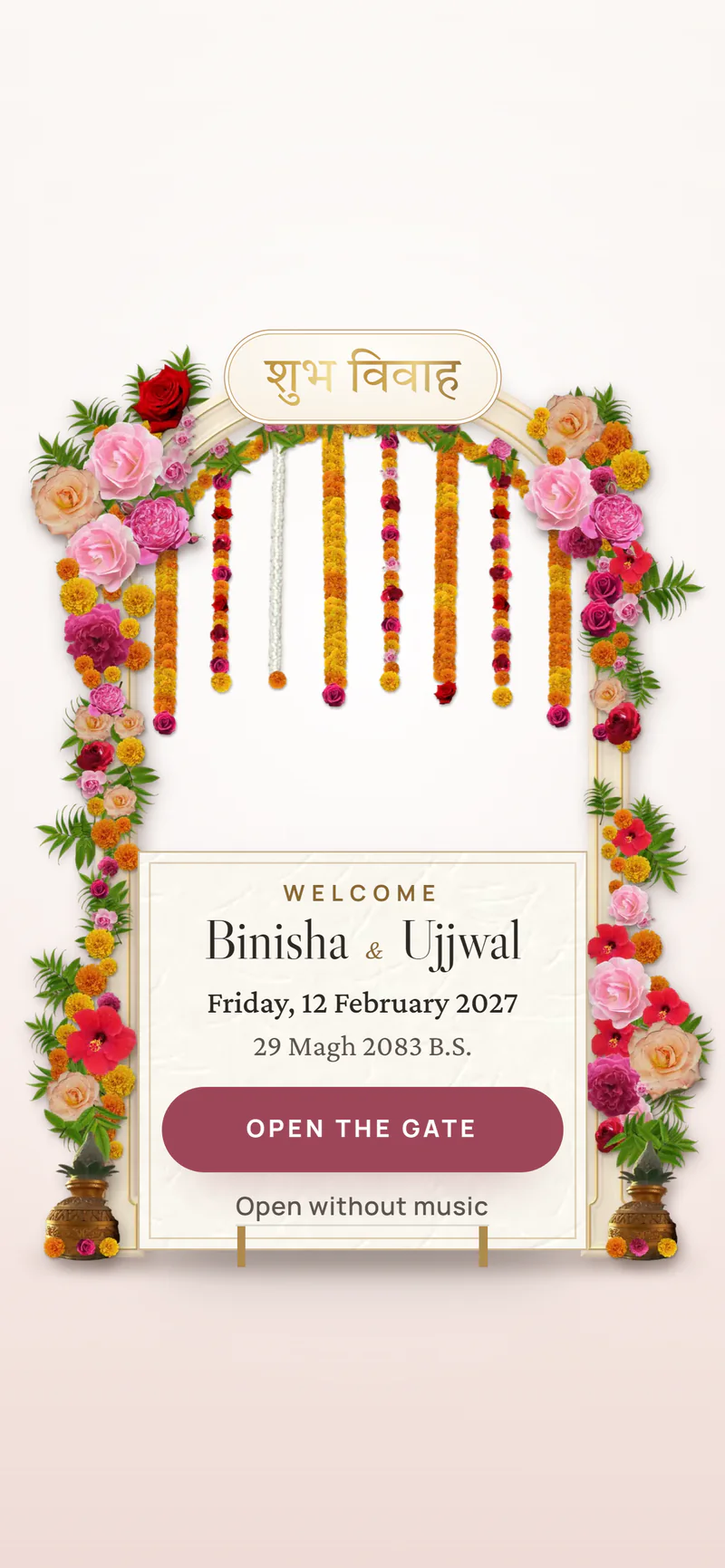
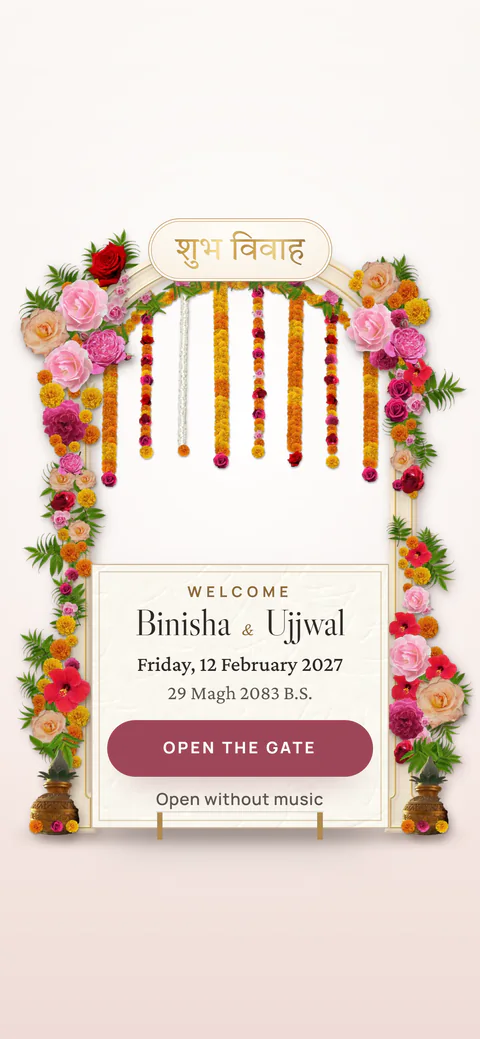
 Binisha & Ujjwal · Shubha Bibaha
-
01
Choose a design
Browse the designs and open the preview to see how each one opens. Not sure yet? You can decide after you order.
- Doors, seals, flower gates, curtains and 3D scenes
- Each design shows its plan: Saral, Shubha or Shahi
- Want something new? Ask for a custom design
-
02
Order in two minutes
Choose your plan and design, then write your name, WhatsApp number, email and a password. That makes your account, so you can come back any time.
- No long forms: we ask the rest on WhatsApp
- The price is shown before you continue
-
03
Pay by QR, send a screenshot
The payment page shows a QR for Khalti, eSewa or any bank app, with your order number. From abroad, pay by PayPal. Then upload the payment screenshot. We check it and confirm.
- Khalti, eSewa, Fonepay bank QR and PayPal
- Pay later? Your account brings you back to the payment page
-
04
We make it, you share it
We message you on WhatsApp for names, dates, venues, photos and your song, and show you every change. Then you send one link to everyone.
- Guests open it in any phone browser
- They see every event, with maps, and reply
- You read the replies in your dashboard
Questions
Before you order.
How do I make an online wedding invitation in Nepal?
Choose a design on Nimtto, fill the short order form and pay by QR. We then message you on WhatsApp for your names, dates, photos and song, and send you the finished link to share.
How long does it take?
We start as soon as your payment is confirmed and we have your details. A ready-made design is quicker than a custom one. Tell us your date when you order and we plan around it.
How do I pay?
You pay by Khalti, eSewa or any bank app by scanning a QR code, or by PayPal from abroad. After you order, the payment page shows the QR with your order number. You then upload a screenshot of the payment and we confirm it.
Why do I make an account when I order?
Your account lets you come back to your order, pay later, and later edit your invitation and read guest replies. You sign in with your email and the password you choose.
Can I change details after the invitation is shared?
Yes. The link stays the same and changes show at once. You can update times, venues and photos from your dashboard, or message us and we change it for you.