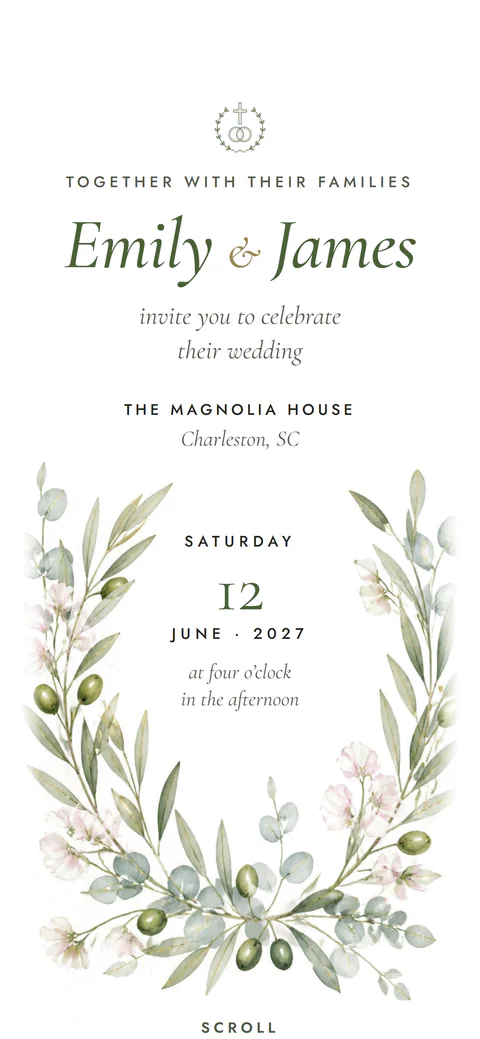
Digital Wedding Invitation Etiquette: Is It OK to Send Wedding Invitations Online?
Yes, for most weddings. Here is what etiquette experts say, when to add paper for some guests, and the exact wording to send with your link.

Is it OK to send wedding invitations online? Yes, for most weddings it is. Etiquette experts now treat digital invitations as acceptable, as long as they feel personal and match the formality of your day.
The best guide is a simple test from the Emily Post Institute: if you would be comfortable extending the invitation over the phone, email is acceptable. The more formal the event, the more paper still makes sense. Most couples land somewhere in between, and that is where this guide helps.
Is It OK to Send Wedding Invitations Online? What Experts Say
Etiquette has moved with the times, but it has not dropped its standards. The Emily Post Institute notes that just because you can send an email does not mean you should, and that formality is the deciding factor.
The Knot presents digital invitations as a good fit for many couples. It also gives a fair warning: some guests may not think a digital invitation is proper, and some simply love a paper card they can keep.
Even digital invitation companies agree that how you send matters most. Greenvelope, which sells online invitations, points to mass group emails as what makes an invitation feel tacky, and recommends sending each one to a named guest or household.
So the real question is not "digital or paper?" It is "how do I make a digital invitation feel like it was made for this guest?"
When Digital Works and When to Mix in Paper
When online wedding invitations are a great fit
Online wedding invitations work especially well in these cases:
- A relaxed or semi-formal wedding, such as a garden party or a small dinner
- Guests spread across several cities or countries
- A multi-day celebration with several events, like a mehndi, sangeet and reception
- A short timeline, where mail would eat up weeks
- A couple who wants RSVPs, maps and updates in one place
When to keep paper, or mix both
Paper still earns its place for a very formal or black-tie wedding. It also matters for guests who do not use email or smartphones much, and for anyone who will treasure a card in a frame or album.
Many couples do both. They mail a small number of printed invitations to grandparents and older relatives, and send the digital version to everyone else. This keeps the keepsake for the people who value it most, without printing and posting 150 cards.
Digital Wedding Invitation Etiquette for Addressing Guests
Addressing is where digital wedding invitation etiquette matters most. On paper, the envelope tells guests exactly who is invited. Online, your message and the invitation itself have to do that job.
Names and households
Send each invitation to one person or one household. Use the names you would write on an envelope: "Dear Maria and James," not "Hi all." Never put your whole guest list in one email's To line, and never add guests to a group chat to invite them.
If your invitation tool supports personal links, use them. With Nimtto, personal guest links (each guest's own name on their invitation) are part of the Pro Max plan.
Plus-ones
Be specific. If a guest may bring someone, say so plainly in your message, and name the partner if you know them. If a guest is invited alone, address the message to them only, and do not mention a plus-one at all.
Children and adults-only weddings
The Emily Post Institute explains that the way an invitation is addressed shows exactly who is invited and, by leaving names out, who is not. It advises against writing "no children" on the invitation itself.
When children are invited, the Emily Post Institute suggests writing their names on a line below their parents' names. Online, that simply means naming each child in your message or on the invitation. For an adults-only wedding, address only the adults, and put a gentle note on your wedding website or in a personal message to parents.
Dear [Name],
We would love for you and a guest to celebrate with us on [date].
When you RSVP, please add your guest's full name so we can include them on our seating plan.
With love,
[Your names]
Hi [Name],
We are so happy you and [Partner's name] can join us on [date].
We have planned our celebration as an adults-only evening, and we hope this gives you a relaxed night out.
Thank you for understanding. We cannot wait to see you both.
[Your names]
Timing: When to Send Online Wedding Invitations
Digital invitations arrive instantly, but guests still need the same notice. The Knot suggests sending invitations six to eight weeks before the wedding. Destination weddings and multi-day events need more notice, because guests have to plan travel and time off.
A common plan looks like this:
- Save the date: several months ahead, so guests can block the dates
- Invitation: about six to eight weeks ahead, with the full details and RSVP
- RSVP deadline: a few weeks before the wedding, and before your caterer's final count is due
- Reminder: about a week before the RSVP deadline, only to guests who have not replied
Our guide on when to send wedding invitations covers timelines for local, destination and multi-event weddings in more detail.
What to Include (and What to Leave on the Website)
Keep the invitation itself focused. The Knot recommends sticking to the essential details on the invitation and putting everything else on your wedding website.
A clear digital invitation includes:
- Your names, and the hosts' names if your parents are hosting
- The date and start time of each event
- The venue, with a map link
- Dress code, if you have one
- How and when to RSVP
The extras belong one tap away: hotel blocks, travel notes, parking, your story and photos. A digital invitation can hold all of this on one page. A Nimtto invitation, for example, includes every event with its time, venue and Google Maps link, plus travel notes and RSVP, as shown on the features page.
Registry mention etiquette
This is one rule that has not changed. The Emily Post Institute says a wedding invitation should never mention gifts or registry details, and that the wedding website is the right home for that information.
Online, follow the same spirit. Do not put a registry link in your invitation message. Let guests find it on your wedding website, or share it when someone asks. Nimtto does not run gift registries, so if you have one, link to it from the website section that guests explore on their own.
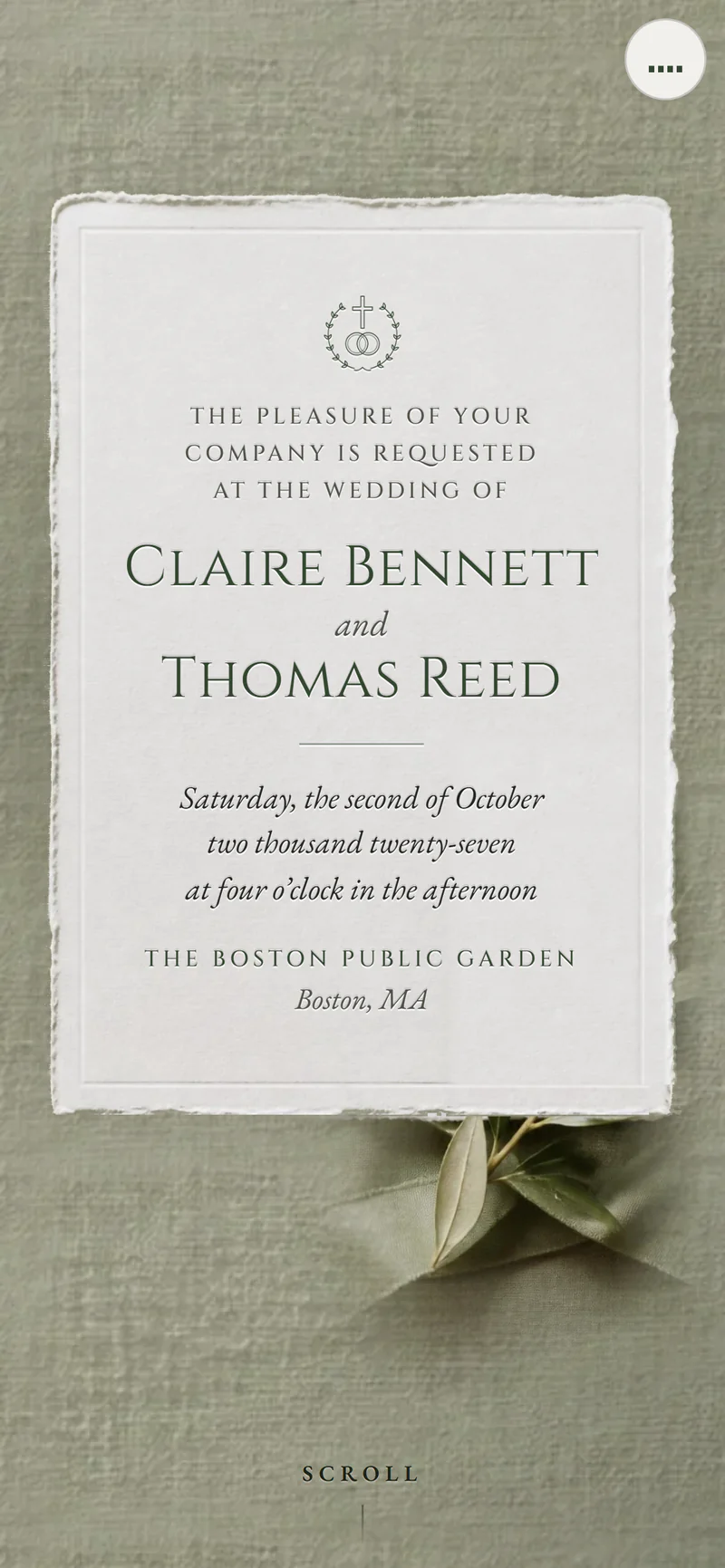
The Message to Send With Your Link
The note you send with the link is your envelope. It should be warm, short and personal. Our full guide to wedding invitation wording examples has invitation text for every style, but here is the message itself.
Dear [Name],
We are getting married! We would be so happy to have you with us on [date] in [city].
Your invitation, with all the details and the RSVP, is here:
[link]
Please reply by [RSVP date]. We hope to see you there.
With love,
[Your names]
Dear [Aunt / Uncle / Grandma Name],
We sent our wedding invitation by email, but we would love for you to have a printed copy too.
We will mail one to you this week. If it is easier, you can reply by phone at [number].
We cannot wait to celebrate with you.
Love,
[Your names]
RSVP Deadline Etiquette and Polite Follow-Ups
Guests should reply by your deadline. That is basic etiquette for them. Your part is to make replying easy and the date impossible to miss.
Put the RSVP date in your message and on the invitation. Make the reply button easy to find. If guests can answer for several events, let them choose each one separately, so your mehndi count and your reception count stay accurate.
When the deadline passes, follow up kindly. Assume a busy week, not rudeness. Start with a short message, and call only if you still have not heard back a few days later. Our guide to collecting RSVPs online explains how to track replies and export your final list.
Hi [Name]! Just a friendly note that we are finalizing numbers for [date].
If you have a moment, could you RSVP here by [new date]? [link]
No pressure at all if you cannot make it. We would just love to know.
Thank you!
[Your names]
Privacy and Changes of Plans
Keep the link off social media
An online invitation is still a private invitation. Do not post the link on Instagram, Facebook or a public story. Anyone who sees it can open it, and you may get replies from people you did not plan to host.
Share it only one-to-one or one-to-household. Ask close family not to forward it. If you want to celebrate publicly, post a photo of the design without the link.
When plans change
This is where paperless wedding invitations shine. If the venue, time or date changes, you update the invitation once and the same link shows the new details. No reprinting, and no second mailing.
Still tell guests directly. People will not open the link again unless something prompts them.
Hi [Name],
A quick update for our wedding: [the reception will now start at 7:00 pm / the venue has changed to New Venue].
The invitation has been updated with the new details and map: [link]
Your RSVP still stands, so there is nothing else you need to do.
Thank you, and see you soon!
[Your names]
E-Vite Wedding Etiquette: Do's and Don'ts
Here is a quick reference for e-vite wedding etiquette, so you can check your plan before you hit send.
| Do | Don't |
|---|---|
| Send to each guest or household by name | Send one mass email or group chat message |
| Match the design to how formal your wedding is | Use a casual template for a black-tie event |
| Say clearly who is invited, including plus-ones and children | Leave guests guessing whether they can bring someone |
| Put the RSVP date in your message and on the invitation | Hide the reply button below long text |
| Offer printed copies to older guests who prefer paper | Assume everyone checks email every day |
| Keep registry details on your website | Put a registry link in the invitation message |
| Keep the link private | Post the link on social media |
| Message guests when details change | Change the invitation quietly and hope they notice |
| Send thank-you notes after the wedding | Skip thank-yous because the invitation was digital |
Final Thoughts
Sending your wedding invitation online is good etiquette when you treat it like paper: addressed to a person, clear about who is invited, and sent with care. Add printed copies for the few guests who will treasure them, and you have covered everyone.
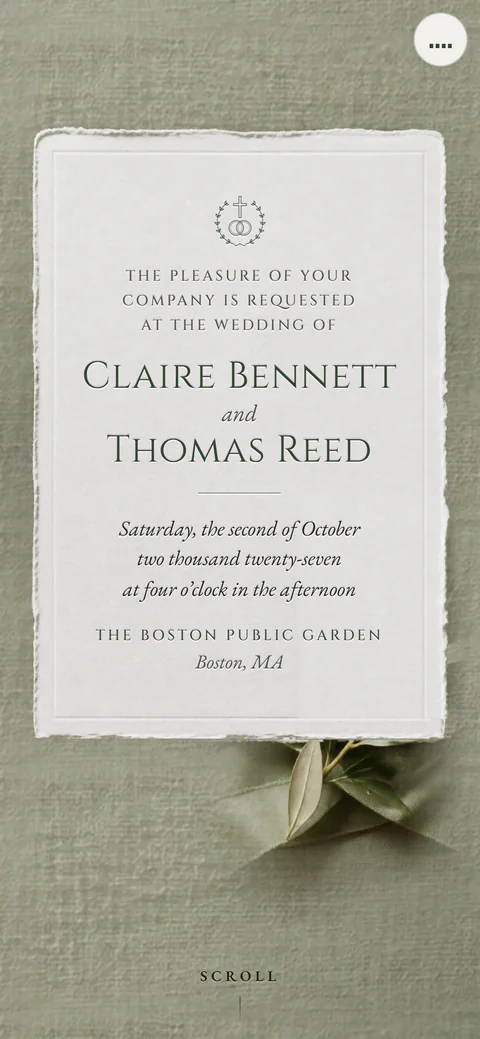
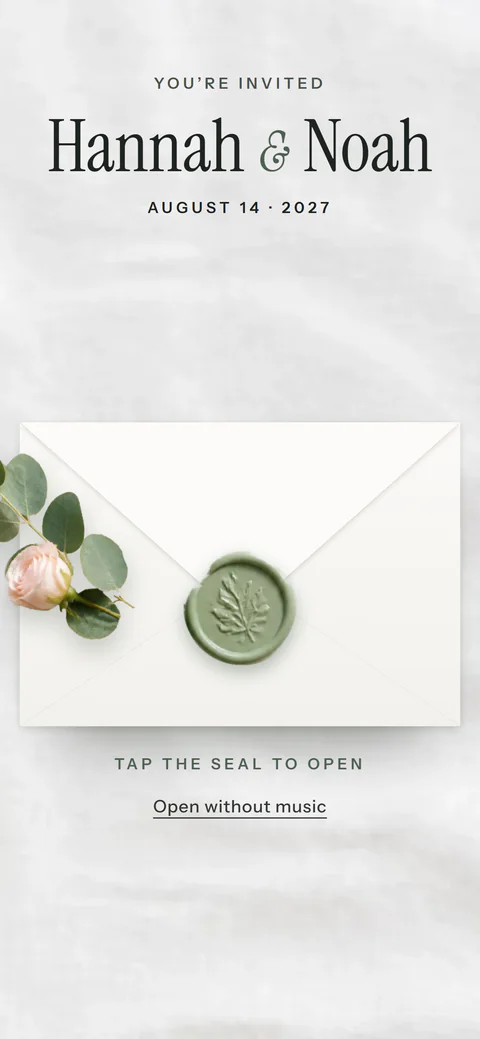
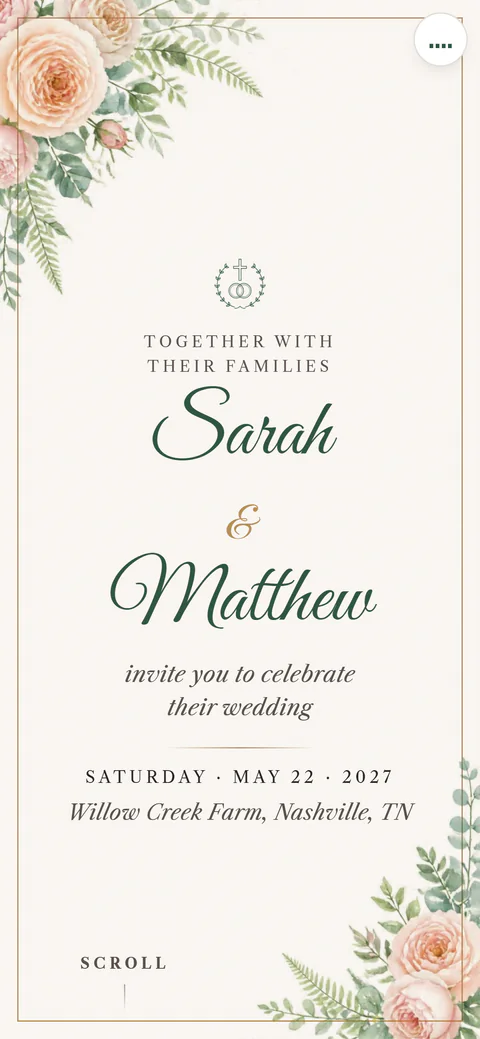
If you would like a digital invitation with RSVP, maps and every event in one link, browse the Nimtto designs, from the classic Letterpress to the modern Wax Seal and the soft Blush Roses. The pricing page lists each plan, starting at $49, paid once.
Questions people ask
Are digital wedding invitations tacky?
Not when they are done with care. What reads as careless is a mass group email or a plain forwarded link. A well-designed invitation, sent to each guest by name with a short personal note, is widely accepted.
Should I send a save the date and an invitation online, or just one?
Many couples send both: a save the date months ahead, then the full invitation closer to the day. If your wedding is local and the timeline is short, one invitation with a clear RSVP date can be enough.
How do I send online wedding invitations to guests without smartphones?
Send those few guests a printed copy or a simple card in the mail, and give them a phone number to reply. You can also ask a family member who lives near them to show them the invitation.
Is it OK to text a wedding invitation?
Yes, a text with a link to a real invitation is fine for most guests. Write a personal line first so it does not look like spam, and send it one person at a time rather than in a big group chat.
Can guests RSVP for people who were not invited?
They may try, which is why clear addressing matters. With personal guest links, each invitation carries the guest's own name. Nimtto offers this on the Pro Max plan.
Do I still need to send paper thank-you notes after a digital wedding?
A digital invitation does not replace a proper thank-you. A handwritten or mailed note is still the warmest way to thank guests for gifts and for coming, so plan time for notes after the wedding.
How long should the invitation stay online after the wedding?
Long enough for guests to revisit photos and details. Nimtto invitations stay online for at least one year after the event, with no subscription. See the FAQ for more.