
How it works
How to make a digital invitation, in four steps.
You pick a design and pay once, a real designer sets everything up with you, and you send one link by text or email. Guests reply in a minute, with no app. Your invitation is in your dashboard as soon as payment is confirmed.
-
01
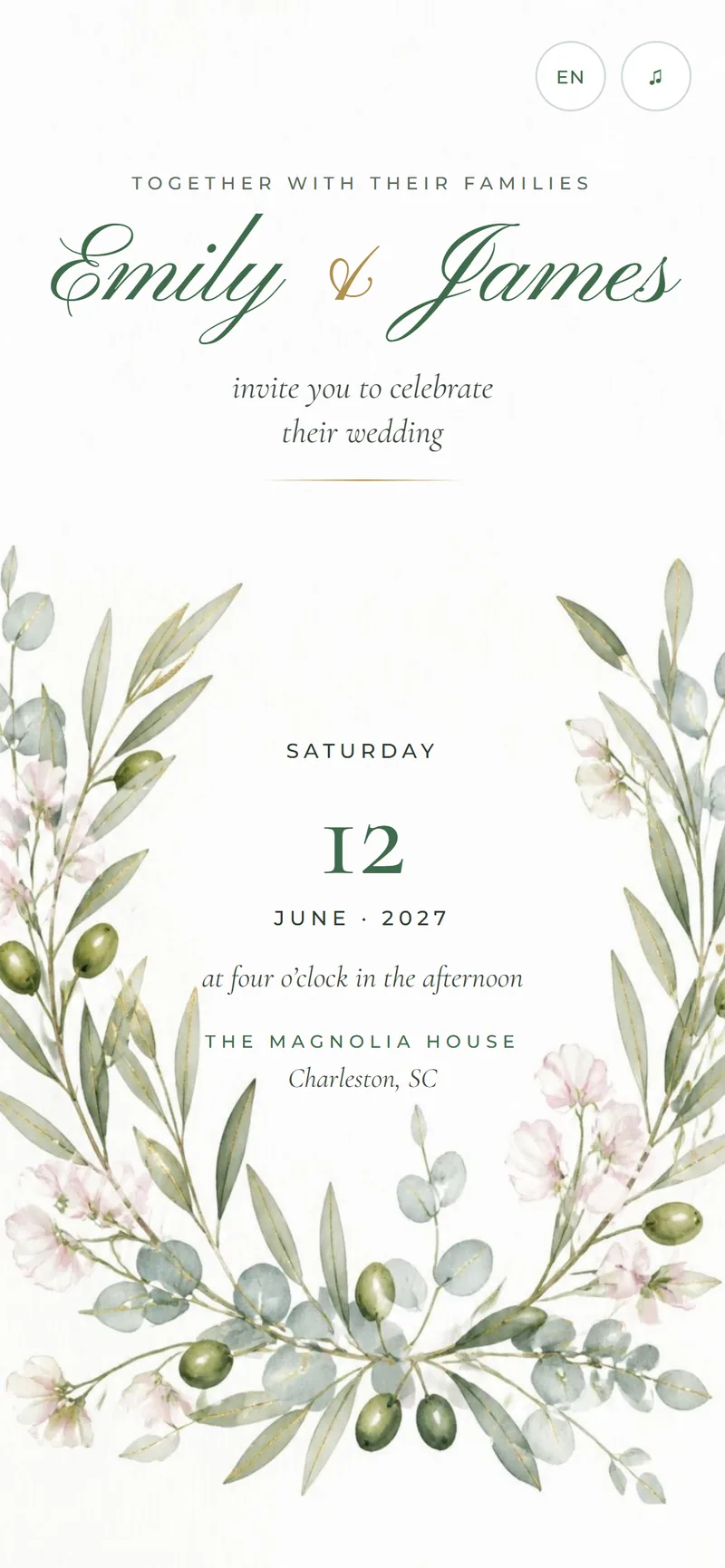
Pick a design
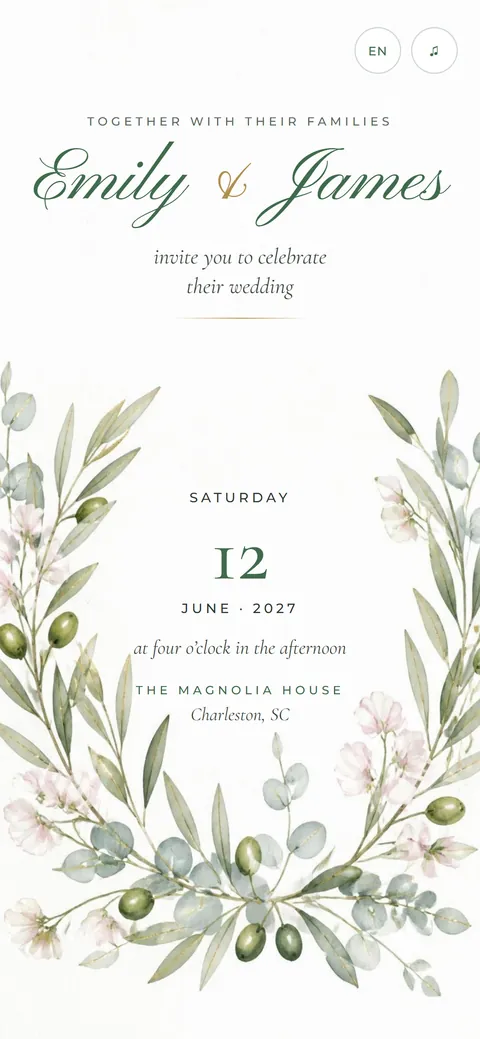
Browse the designs and choose the one you love. Planning something other than a wedding? Ask for a design made for your occasion.
- Garden, romantic, classic, modern and destination styles
- Each design shows its plan: Standard, Pro or Pro Max
- Any other occasion is designed for you
-
02
Order in two minutes
Make your account with your name, email, phone number and a password. Then choose your plan and design. Your account brings you back any time.
- The price is shown before you continue
- No long forms: we ask for the rest later
-
03
Pay once, by card or PayPal
Pay in US dollars on PayPal’s secure checkout, with a card or your PayPal account. Your plan switches on as soon as the payment goes through.
- No monthly fees and no subscription
- We never see your card number
- A custom design? We reply with a price first
-
04
We set it up, you share it
Send us names, events, places, photos and your song. A real designer sets everything up, usually within 1 to 3 business days, and you check every change. Then you send one link.
- Guests open it in any phone browser
- They see every event, with maps, and reply
- You read the replies in your dashboard
Questions
Before you order.
How long does it take?
Your invitation appears in your dashboard as soon as your payment is confirmed. Our design help usually takes 1 to 3 business days once we have your details. A design made just for you takes longer, so tell us your date and we plan around it.
How do I pay?
You pay once, in US dollars, by card or PayPal on PayPal’s secure checkout. We never see your card number. As soon as the payment goes through, your plan switches on and your invitation appears in your dashboard, ready for your details.
How is Nimtto different from a DIY invitation site?
You don’t have to build anything. A real designer sets up your invitation and event website with you, and you check every change before guests see it. You still get the tools you need: RSVP tracking, a guest list download and changes at any time.
Can I change details after I send it?
Yes. Change a time, a place or a photo whenever you need to. The link stays the same, and every guest sees the new details right away. You can edit from your dashboard, or tell us what to change and we update it for you.
How do I send an online invitation?
Copy your link and send it any way you like: text message, email, WhatsApp, Instagram or Messenger. Your names and a picture show in the link preview. Everyone with the link sees the same up-to-date invitation, so you only send it once.
Are digital wedding invitations acceptable?
Yes. Many couples now send digital wedding invitations, and guests like having the details, maps and RSVP on their phone. Send them six to eight weeks before the wedding. For a few older relatives, you can also print a card or ask family to help them open the link.