How to Collect RSVPs Online: A Simple Guide for Couples

Pick one place for replies, ask only what you need, and follow up kindly. Here is how to set up online RSVPs, with a tool comparison and wording you can copy.

Here is how to collect RSVPs online: choose one place where every guest replies, and put that link and a firm reply-by date on your invitation. Ask only what your caterer and seating plan need. Then send a friendly reminder before the deadline, and call anyone who still has not answered.
That is the whole method. This guide walks through how to collect RSVPs online without chasing people for weeks: which tool to pick, what to ask, how to word every message, and how to turn the replies into a clean list for your caterer.
Your Options for Online RSVP for a Wedding
There are five common ways couples take replies today. Most couples use one main tool, plus a phone number as a backup for guests who would rather call.
- A wedding RSVP website form. Guests visit your wedding website, find their name and reply.
- An invitation with built-in RSVP. The invitation itself carries the reply form, so guests read the details and answer in the same place. This is how a wedding invitation with RSVP from Nimtto works.
- Google Forms. A form you build yourself, with the answers landing in a spreadsheet.
- A spreadsheet plus messages. You send the invitation, guests text or email back, and you type each reply into a sheet.
- A QR code on a printed card. A paper invitation with a digital RSVP. The code simply points to one of the options above.
How the options compare
| Wedding website form | Invitation with built-in RSVP | Google Forms | Spreadsheet + messages | QR code on printed card | |
|---|---|---|---|---|---|
| Your effort | Medium: build the site, add your guest list | Low to medium: details are set up once | Medium: build and test the form yourself | High: every reply is typed by hand | Same as the tool it points to, plus printing |
| Guest experience | Open the site, search for a name, reply | Reply on the invitation they just read | A plain form that works on any phone | Easy for guests, they just text back | Scan, then the same as the tool it points to |
| Replies per event | Often available, check the plan | Varies; Nimtto shows replies per event | Yes, if you add a question per event | Only if guests say so, and you track it | Same as the tool it points to |
| Meal choices | Common feature | Varies, ask before you buy | Yes, you write the question | Only if guests remember to say | Same as the tool it points to |
| Plus-ones | Can be limited through the guest list | Party size per reply; some offer named guest links | Hard to limit, anyone with the link can add names | You decide case by case | Same as the tool it points to |
| Privacy | Account-based, check sharing settings | Replies go to your private dashboard | Anyone with the link can submit; keep the sheet private | Data spread across phones and inboxes | Same as the tool it points to |
| Cost | Basic plans are often free; check what is extra | A one-time or plan price | Free with a Google account | Free | Printing cost plus the tool it points to |
No single tool suits every wedding. If you host several events, replies per event matter most. If your list is small and close, a spreadsheet and a few texts may be all you need.
What to Ask on Your Wedding RSVP Website or Form
Zola suggests asking for meal choices inside the RSVP itself, not in a separate follow-up, because many guests answer the first request and skip the second. Keep the form short. Every extra question is one more reason to put it off.
Ask these:
- Full name of each person replying, so "Sam" is not a mystery on your seating chart.
- Attending, yes or no, for each event. If you host a welcome dinner, a ceremony and a reception, ask about each one separately.
- How many are coming, or the names of named guests. Show the number of seats you offered.
- Dietary needs or allergies. A short text box works well.
- A meal choice, only if you serve a plated dinner with options.
- A message to the couple (optional). Guests enjoy writing these, and you will enjoy reading them.
- A song request (optional). Fun, but never required.
Skip home addresses, birthdays and phone numbers unless you truly need them. You already have contact details if you sent the invitation, and less data means less to protect.
How to Handle Plus-Ones and Kids
This is where most RSVP confusion starts. The fix is to decide your rules before the invitations go out, then make the form match them.
Name the people you invite
The Emily Post Institute recommends using the real names of companions instead of a vague "and guest" whenever you know them, and listing invited children by name too. The same rule works online. The invitation should show exactly who is invited, so nobody has to guess.
Set a seat count for each reply
If your tool lets you set seats per household, use it. A couple sees two seats, not an open box. If your tool cannot limit numbers, as with a shared Google Form, write the number clearly in the message that carries the link.
Say it kindly when kids are not invited
Add one plain line to the invitation or website, then let the named seats do the work. If a guest still adds children, call them early and privately. A kind call beats a surprise at the door.
We love your little ones, but our celebration
will be adults only. Thank you for understanding,
and we hope you enjoy a night out with us!
How to Set Your RSVP Deadline
The Knot says wedding RSVPs should be due at least four weeks before the wedding, and no later than two weeks before. The easiest way to pick a date is to work backward. Ask your caterer when they need the final count, then set your deadline a week or so before that, which leaves time for follow-up calls.
Give guests who must fly in more time. The Knot's destination wedding advice suggests an earlier reply date for remote locations, in some cases at least three months before the wedding. For the invitation timeline itself, see our guide on when to send wedding invitations.
Always write a real date with the weekday, such as "Saturday, May 1". A phrase like "as soon as possible" has no end, so nobody acts on it.
Wording for Your Digital RSVP Messages
Put the RSVP link in the same message as the invitation. A separate "oh, and please RSVP" note is easy to miss. Our digital wedding invitation etiquette guide has more on sending invitations by text, email and WhatsApp.
Kindly reply by Saturday, May 1
using the RSVP button on this invitation.
We have reserved [2] seats in your honor.
Hi [Guest's name]! We're getting married on [Saturday, June 12] in [City], and we would love to have you there.
Here is our invitation with all the details: [link]
Please reply on the invitation by [Saturday, May 1] so we can give our caterer a final count.
With love, [Partner 1] and [Partner 2]
Rather reply by phone? Call or text [Helper's name]
at [phone number] by [Saturday, May 1],
and we'll add your answer for you.
That phone note matters more than it looks. Grandparents and busy relatives often reply faster to a person than to a form. Choose one helper, such as a parent or a sibling, and ask them to add every phone reply to the main list the same day.
Reminders and Chasing Non-Responders
Plan two written reminders. Send the first about ten days before the deadline, only to guests who have not replied yet. Send the final one a day or two before the deadline.
Hi [Name]! Just a gentle reminder that RSVPs for our wedding are due on [Saturday, May 1].
You can reply right here: [link]
It only takes a moment. We really hope you can make it!
Hi [Name], our caterer needs final numbers this week, so we're closing RSVPs on [Saturday, May 1].
Could you let us know if you can join us? [link]
If it's easier, just reply to this message with yes or no and how many.
After the deadline, pick up the phone. The Emily Post Institute says it is perfectly polite for hosts to call and ask whether a guest plans to attend. Keep the call warm and short. Most late repliers are busy, not rude.
If your list is long, share the calls. Each family takes its own relatives, and the two of you take your friends. Note every answer in the main list before the end of the day.
When someone does reply, thank them. It takes a minute and it sets a happy tone for the day.
Thank you for replying, [Name]! We're so happy you'll be there.
We'll send parking and timing details closer to the day.
If anything changes, just let us know.

(If they can't come)
Thank you for letting us know, [Name]. We'll miss you,
and we'll share photos with you after the wedding.
RSVP Tracking: Keep One Clean List
Good RSVP tracking answers three questions at a glance: who is coming, how many, and to which events. Check the list once a week, not every hour. Constant checking adds stress and changes nothing.
These columns cover almost every wedding:
| Column | What goes in it |
|---|---|
| Household name | As written on the invitation |
| Seats offered | The number of people you invited |
| Seats confirmed | The number who said yes |
| Events | Yes or no for each event |
| Dietary needs | Allergies, meal choice, children's meals |
| Side | Which family or friend group they belong to |
| Follow-up | Who will call them if they have not replied |
The "Follow-up" column is the one most couples forget. It turns a long list of silent guests into a short job for each helper.
Exporting the List for the Caterer and Seating Chart
Once the deadline passes, turn your replies into a few simple lists. Most online tools let you download a spreadsheet. With Nimtto, your family sees every reply in the dashboard (who is coming, how many and which events) and can export the replies when you need them.
From that export, make:
- A caterer sheet. Total guests per event, plus every dietary need with the guest's name and, later, the table number.
- A seating sheet. Sort by side and household, then build your tables. Keep households together.
- A venue count. Chairs, place settings and any high chairs for each event.
- A check-in list. An alphabetical list for whoever greets guests at the door.
Send the caterer sheet as soon as it is ready, then send one final update if anything changes. Changing numbers again and again makes mistakes more likely.
Keeping Guest Data Private
Your RSVP list holds names, dietary and health details, and sometimes children's names. Treat it with care.
- Share the sheet with as few people as possible. Give edit access only to helpers who need it, and never post the sheet link in a group chat.
- Collect only what you need. If you do not use a question, remove it.
- Watch open forms. Anyone with a public form link can submit a reply, so check for duplicates and names you do not know.
- Use personal links when you can. On Nimtto's Pro Max plan, each guest gets a personal link with their own name on the invitation, which makes it clear who is replying.
- Clean up after the wedding. Remove helpers' access and delete what you no longer need once thank-you notes are done.
How to Collect RSVPs Online, in Short
Collecting RSVPs online works best when it is simple for guests: one link, a short form, a clear date and a kind reminder. Decide your plus-one rules first, set the deadline from your caterer's date, and keep every answer in one list.
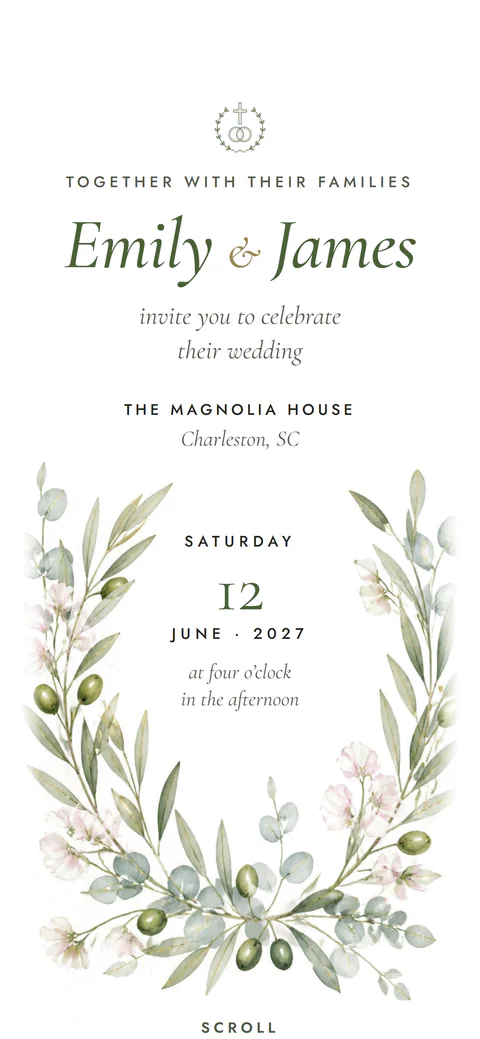
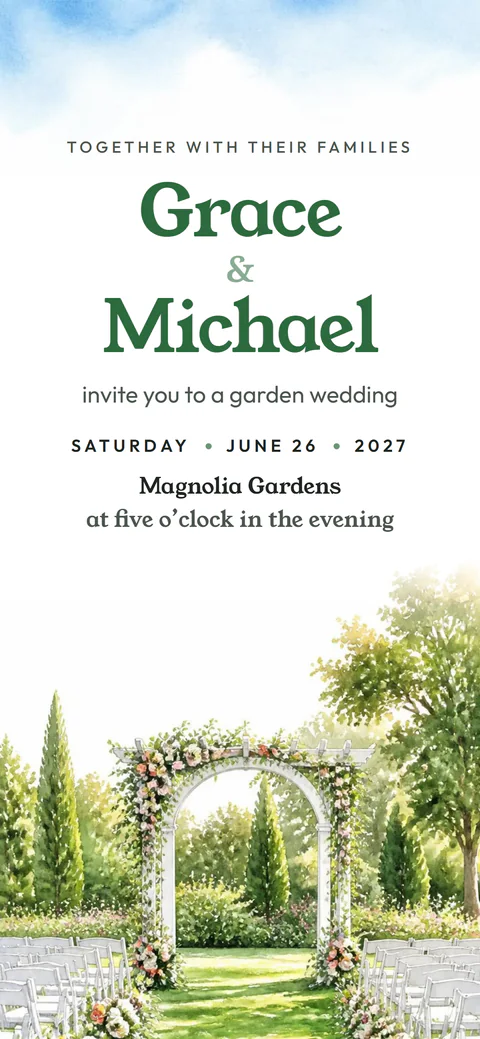
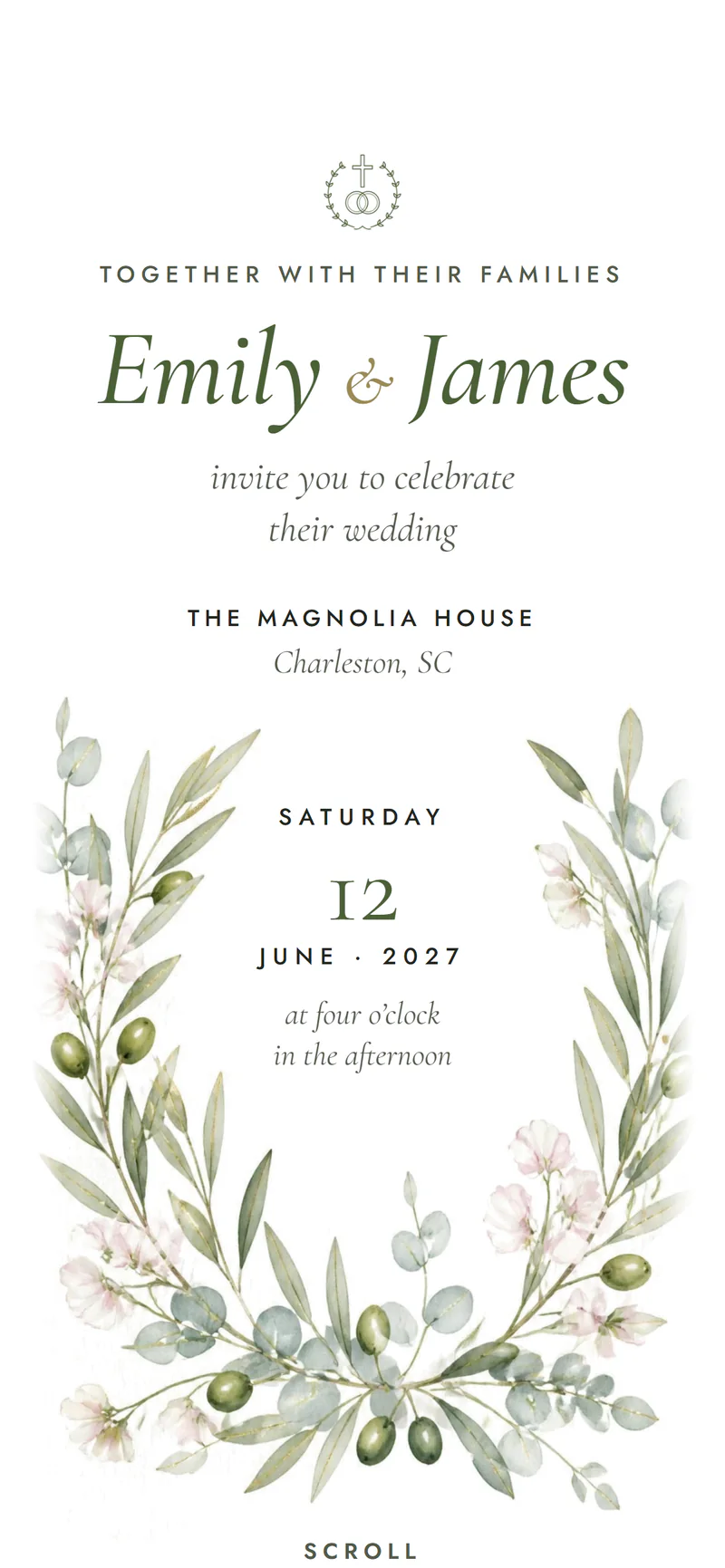
If you would like the invitation and the RSVP in one place, look through our designs, such as Olive Grove, Wildflower and Garden Party. You pay once, with no charge per guest, and our pricing page shows what each plan includes.
Questions people ask
What is the easiest way to collect wedding RSVPs online?
Use one reply channel that lives where guests already are: a form on your invitation or wedding website, sent as a link by text or email. Give a phone number as a backup for guests who would rather call.
Is it rude to ask guests to RSVP online only?
No. Online replies are normal now. It is kind, though, to name one person guests can call or text instead, so older relatives and less online friends are not left out.
How do I stop guests from adding extra people to their RSVP?
Name every invited person on the invitation and set a seat count for each household if your tool allows it. If someone still adds a guest, call them privately and explain that your numbers are fixed.
Can guests reply to some wedding events and not others?
Yes, if you ask about each event separately. A welcome dinner, ceremony and reception should each get their own yes or no, so your counts are right for every venue.
What should I do if a guest replies after the RSVP deadline?
If your caterer can still change the count, say yes warmly and add them. If numbers are already locked, call them, thank them, and explain gently that the final count has gone in.
Can I put a QR code for RSVPs on a printed invitation?
Yes. Print the code large enough to scan, test it on two or three phones, and print the short web address under it too, for guests whose camera will not read it.
Does a Nimtto invitation include RSVP?
Yes. Guests reply on the invitation itself, and you see who is coming, how many and which events in your dashboard, which you can export. See what each plan includes.