
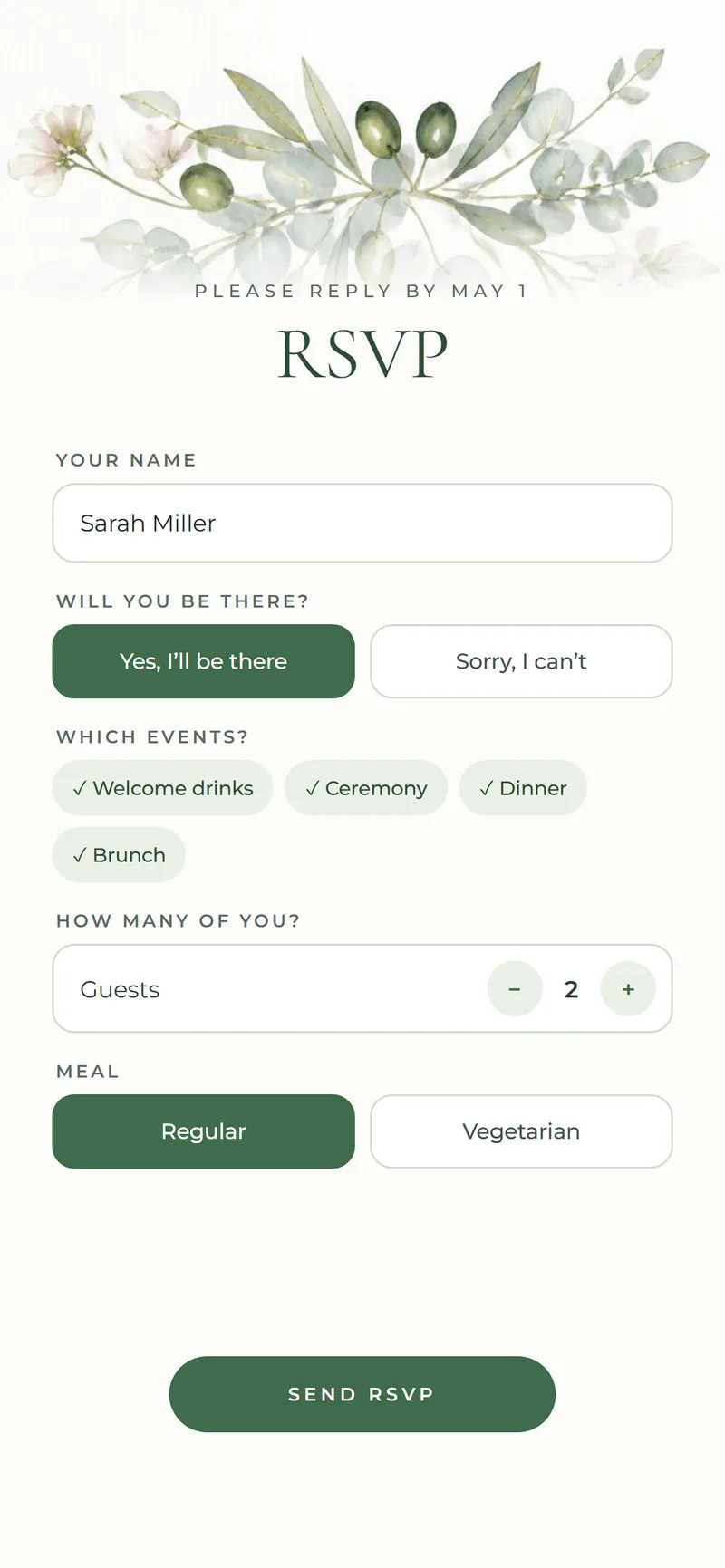







The RSVP screen of a Nimtto wedding invitation on a phone

Wedding invitation with RSVP

A wedding invitation with the RSVP built in.

Your invitation and your RSVP in one link. Guests open it, see the details and reply in about a minute: who is coming, to which events, how many and their meal choice. There is no app and no account. Every reply lands in your dashboard, ready to download. From $49, paid once.

from $49Paid once, by card or PayPal · no monthly fees

  • Reply per event, with numbers
  • Meal choice on the form
  • No app and no account for guests
  • Download the guest list any time

What’s included

How the RSVP works

  • 01

    One link

    The invitation, the details and the RSVP in the same place.

  • 02

    Per event

    Guests say which events they will attend and how many people.

  • 03

    Meal choice

    Collect meal choices with the reply.

  • 04

    Your dashboard

    Every reply as it comes in; download the list any time.

Designs

Designs with RSVP

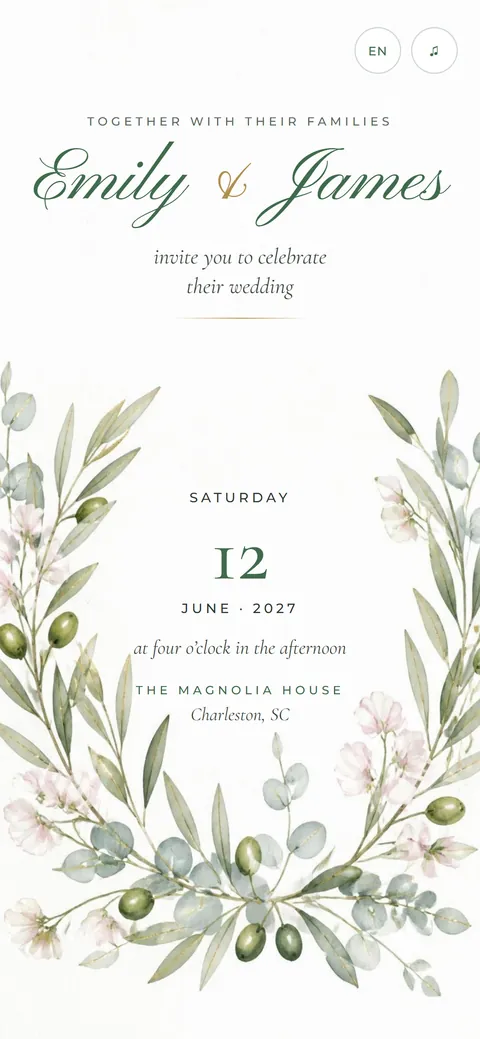
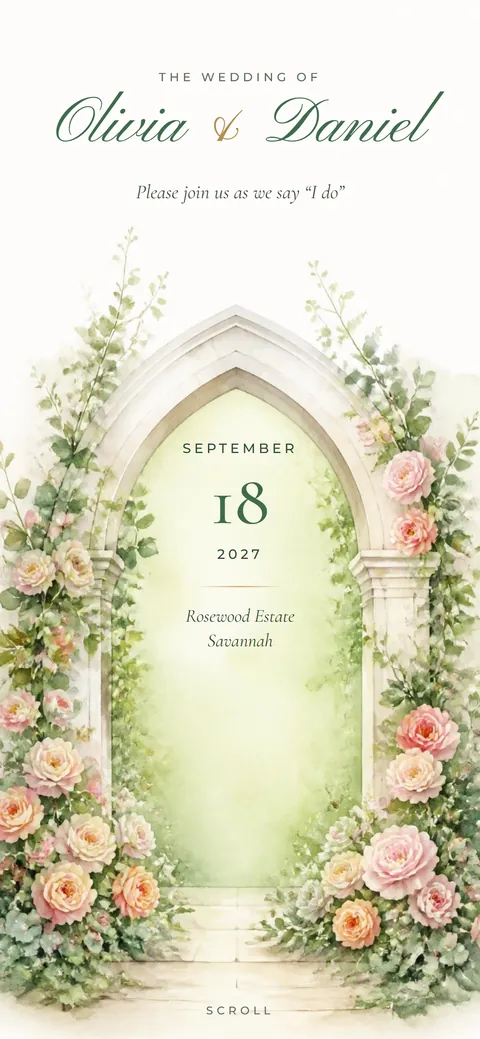
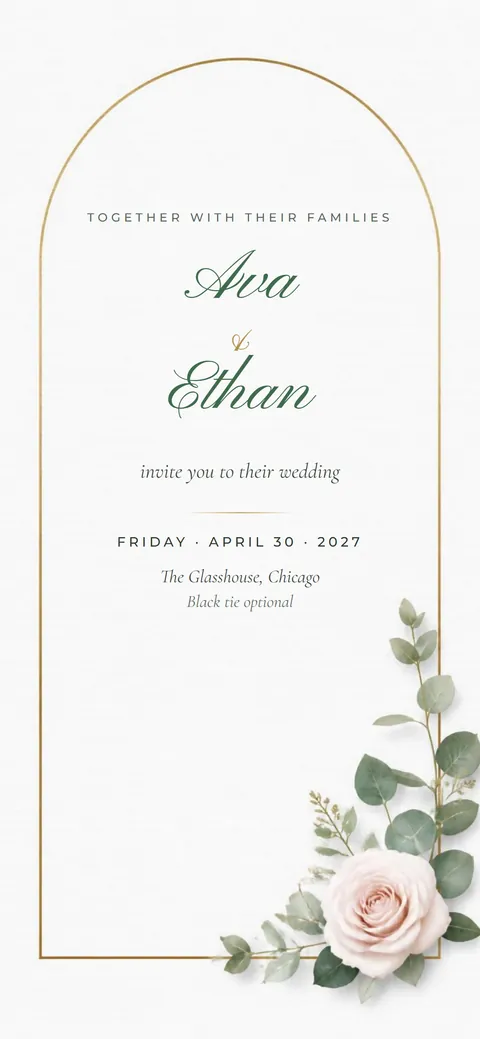
Each design opens like a real card and comes with every detail and an RSVP.

See all designs

How does online RSVP work?

Guests open your invitation link, scroll to the reply form and say if they are coming, to which events and how many people, with a meal choice if you ask for one. It takes about a minute, with no app or account. Their reply appears in your dashboard right away.

Can I export the guest list?

Yes. Download every reply as a spreadsheet at any time, with names, events, numbers and meal choices. Use it for your caterer, your seating chart or your thank-you notes.

How it works

Four steps. No app.

A real designer sets it up with you, and you check every change before guests see it.

  1. 01

    Pick a design

    Choose the one you love and the plan that fits. The price is shown before you continue.

  2. 02

    Pay once

    By card or PayPal, in US dollars. No monthly fees and no charge per guest.

  3. 03

    Send us your details

    Names, events, places, photos and your song. A real designer sets it up with you.

  4. 04

    Share your link

    By text or email. Replies come straight to your dashboard.

Questions

Good to know.

Can guests pick meals?

Yes. Add a meal choice to the reply form, and each guest picks theirs when they reply.

Can I see replies as they come in?

Yes. Each reply shows in your dashboard as soon as a guest sends it, with the events, the number of people and the meal choice.

Is there a fee per guest?

No. You pay once for your plan and can invite as many guests as you like.

Let’s make your invitation.

Tell us about your day. A real person replies, usually within one business day.

Preview

Tap the opening, as a guest would. The names, dates and photos are only samples.

Order

Order your invitation

1. Plan
2. Design Pick one now, or decide later.
3. Your details

Before you order

Make your account

Your account keeps your order and payment in one place. Later you edit your invitation and read guest replies there.

8 or more characters. You sign in with it later.