When should I send a save the date?
As soon as the date is fixed, often four to six months before, and earlier for relatives abroad who need to book flights and leave. The full invitation follows six to eight weeks before the wedding.

Save the date मिति सम्झनुहोस्
Fixed the date but not the venues yet? Send a save the date in any Nimtto wedding design: one calm screen with your names, the wedding date in Bikram Sambat and AD, the city, a countdown and “Formal invitation to follow”. When you are ready, the same link becomes the full invitation.
from Rs 2,999Paid once, by Khalti, eSewa, bank QR or PayPal · no monthly fee
What’s included
In English and Nepali, in your design’s colours.
In Bikram Sambat and AD, with a countdown.
So relatives abroad can book their travel.
Google Calendar or the phone’s own calendar.
Designs
Each design opens like a real card and comes with every detail and an RSVP.
See all designs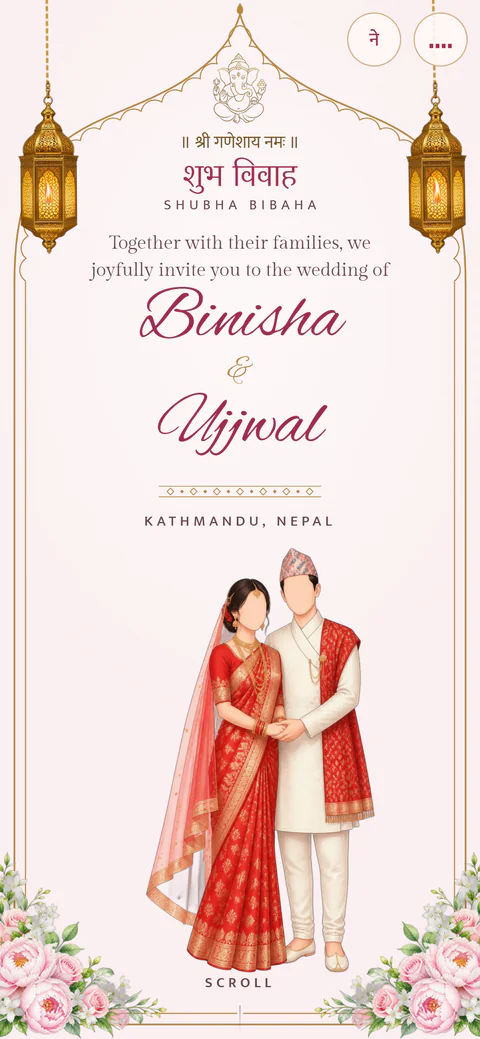
Laali लाली
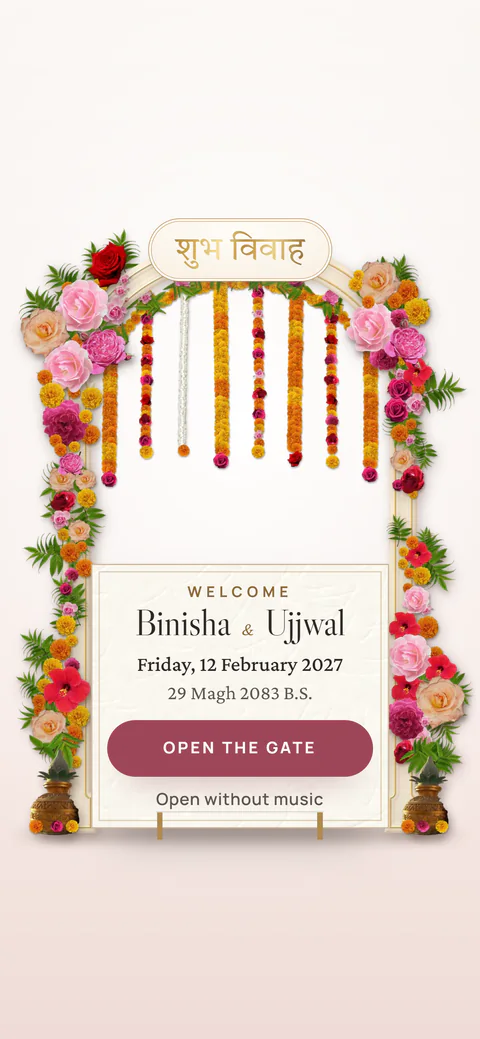
Phoolbari फूलबारी
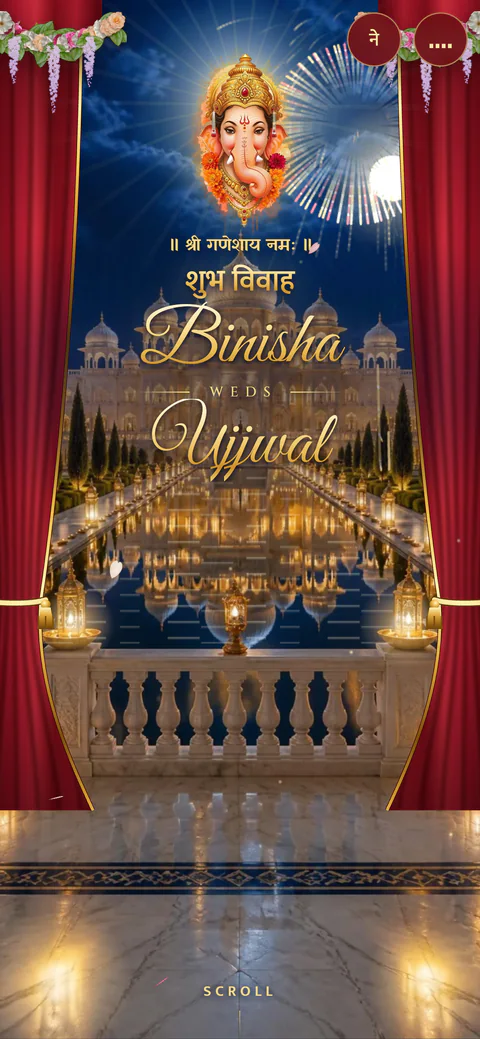
Mahal महल
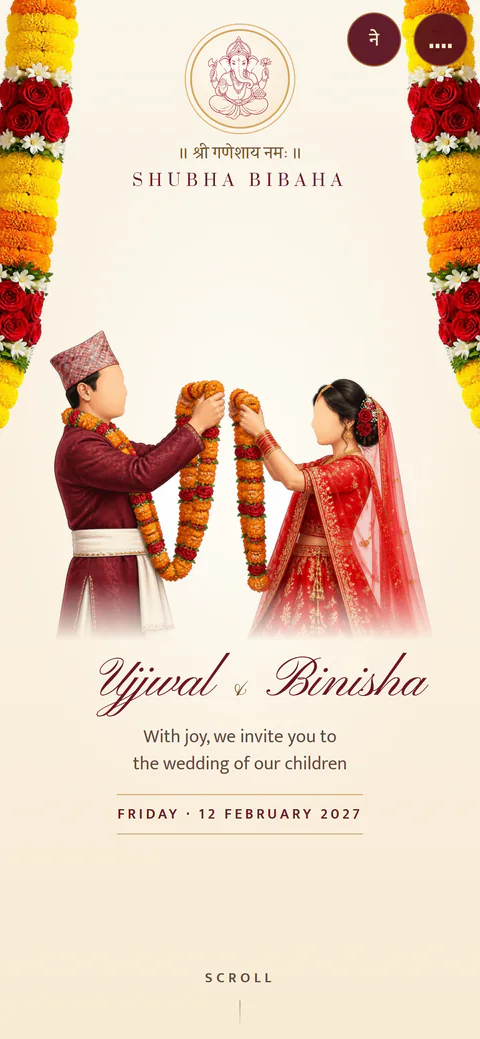
Swayambar स्वयम्बर
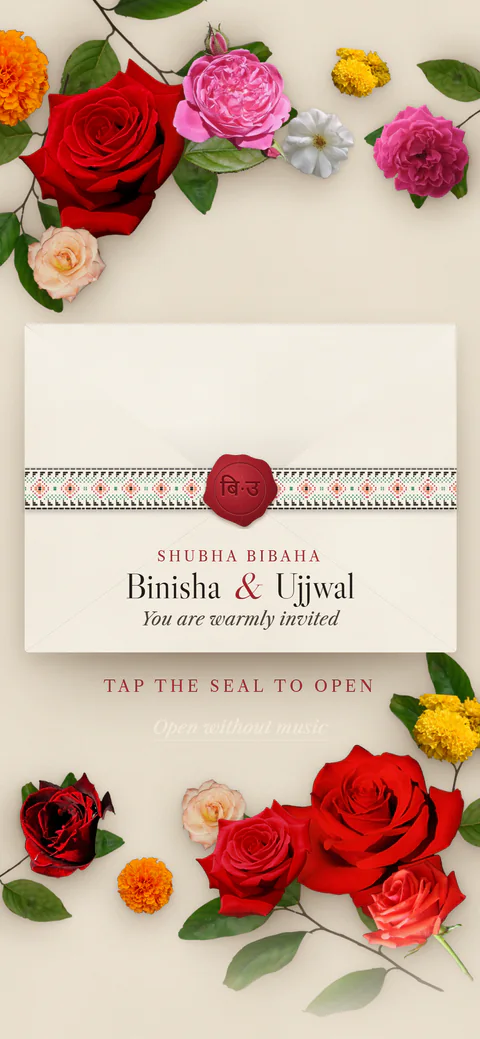
Dhaka ढाका
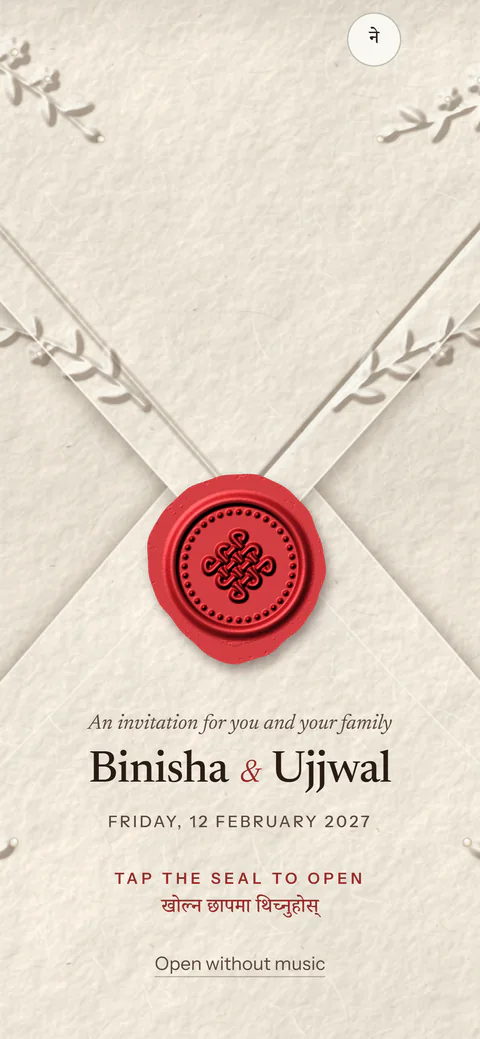
Kham खाम
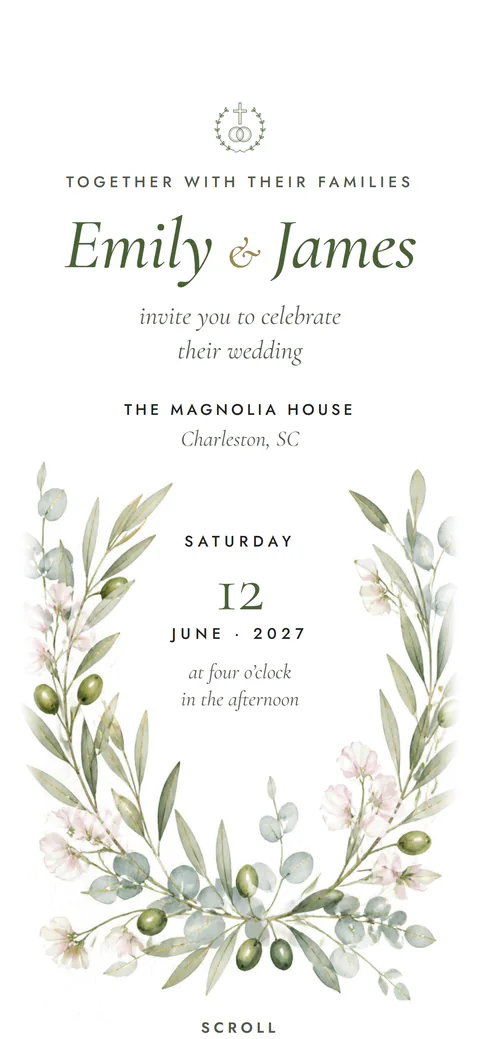
Olive Grove International
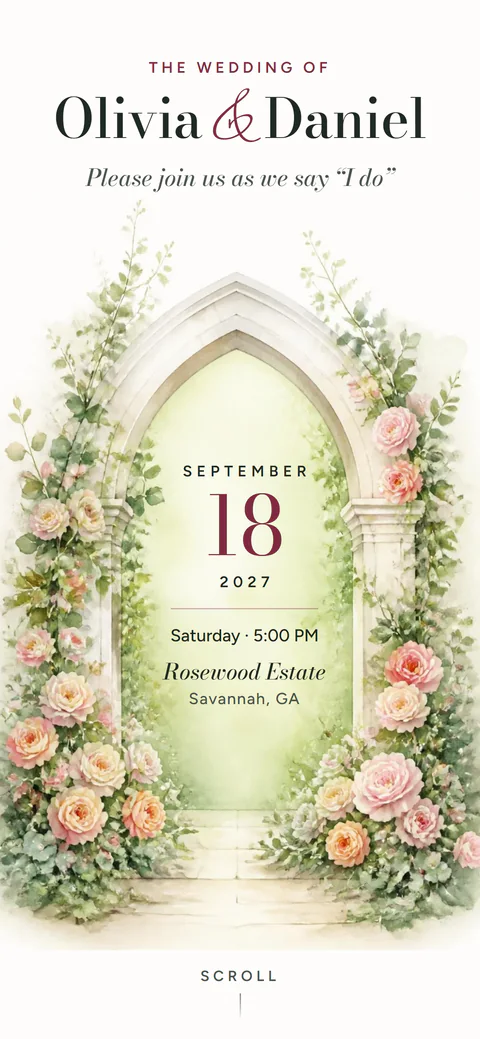
Rose Arch International
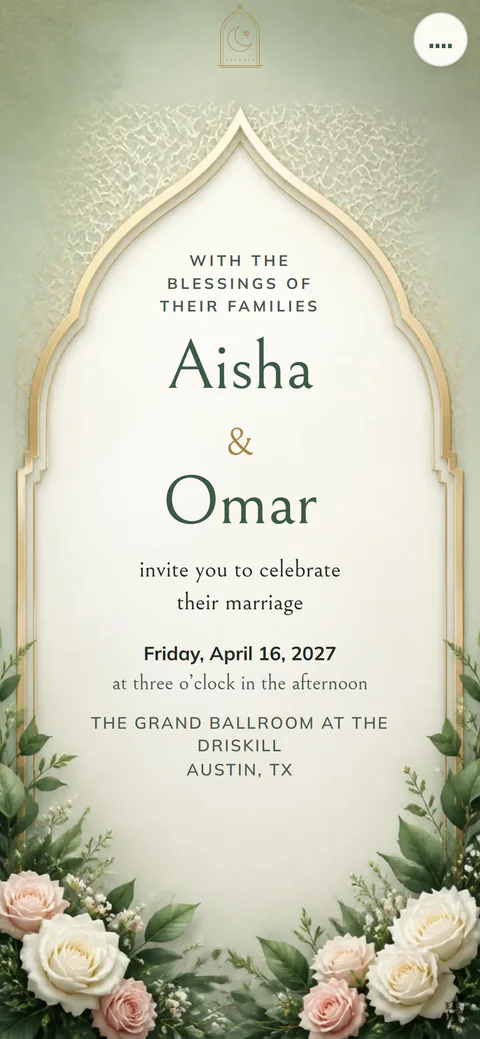
Noor International
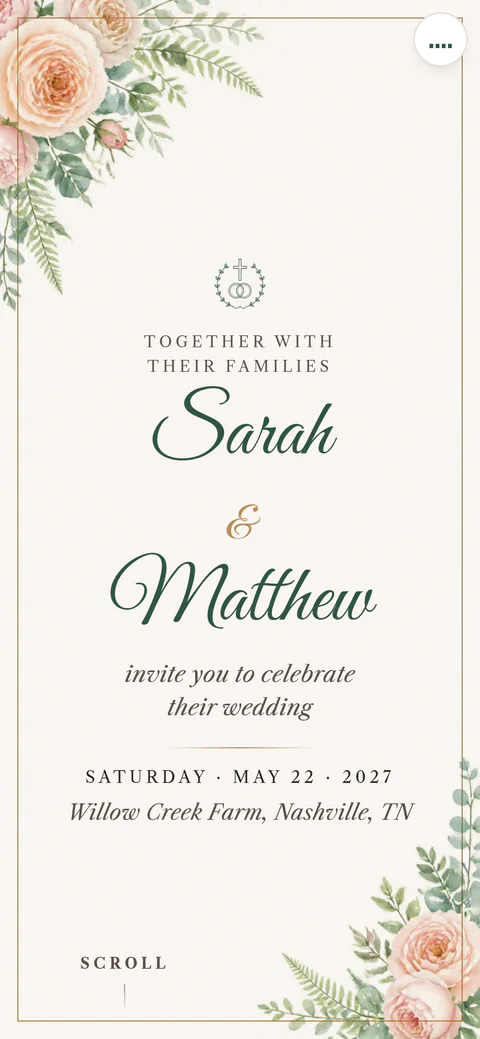
Blush Roses International
As soon as the date is fixed, often four to six months before, and earlier for relatives abroad who need to book flights and leave. The full invitation follows six to eight weeks before the wedding.
No. A save the date is part of every wedding invitation. Switch it on in your dashboard, share the link, and switch it off when the full invitation is ready.
How it works
We make it with you on WhatsApp, in English or Nepali. You see every change first.
Open the preview and see it move. Each design shows the plan it is in.
Make your account, then pay by Khalti, eSewa, bank QR, or PayPal from abroad.
On WhatsApp: names, dates, venues, photos and your song. You see every change.
On WhatsApp, Viber or Messenger. Guests open it, see every event and reply.
Price
Pick the plan that fits your design. You pay once, by Khalti, eSewa, bank QR, or PayPal from abroad. There is no monthly fee and no charge per guest.
| Plan | Price | What you get |
|---|---|---|
| Standard | Rs 2,999 | A ready-made design · Photos, your story and music · Every ceremony with a map · Guest replies (RSVP) · A link with your two names |
| Pro | Rs 4,999 | Everything in Standard · More designs · Links of your own for groups of guests · Your own words in the link |
| Pro Max | Rs 6,999 | Everything in Pro · Premium designs · Your own video · Priority help until the wedding |
Questions
Every Nimtto wedding design. The save the date uses your design’s own colours and lettering, so it looks like the invitation that follows.
Yes. One tap adds the day to Google Calendar or the phone’s calendar, as a whole-day entry.
No. The same link shows the full invitation when you switch the save the date off.
Yes. The date shows in Bikram Sambat and AD, in Nepali and English.
No. It opens in any phone browser.
Tell us about your day. We reply on WhatsApp, in English or Nepali.